
I was trying to install Lighthouse Demo site (Sitecore v10.0.1) on my local. Upon running “docker compose up -d” command, I kept getting error – container is unhealthy. Sometimes traefik container was unhealthy, other times it was init container that was throwing the same error. I checked the logs of cm and cd containers and found below error in logs –
Service 'w3svc' has been stopped
APPCMD failed with error code 259
Failed to update IIS configuration
I tried below solutions that I found on sitecore stackexchange –
- Run “docker-compose up -d” 3-4 times to resolve the error.
- Run below commands –
docker-compose stop
docker-compose down
docker-compose up -d
But none of the above solutions worked for me.
Then I performed below steps –
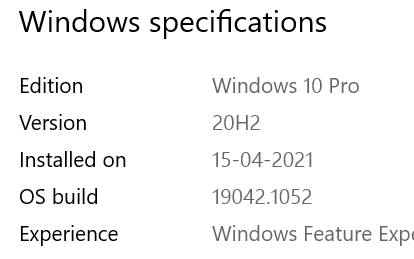
- I checked Window Specifications of my local system. The version mentioned was 20H2.
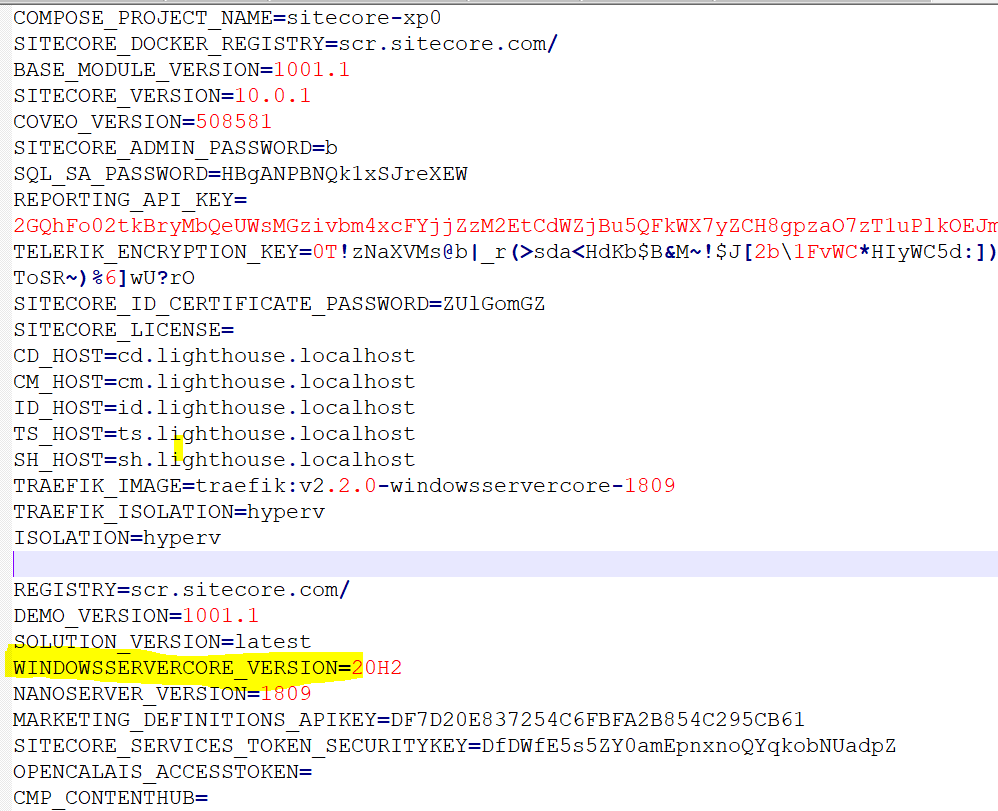
2. I opened the .env file, present inside Sitecore.Demo.Platform folder in Notepad++. In .env file, the WINDOWSSERVERCORE_VERSION mentioned was different. I changed it to 20H2.
3. After this change, I ran below commands –
docker-compose down
.\CleanDockerData.ps1
stop-service docker
start-service docker
.\init.ps1 -InitEnv -LicenseXmlPath C:\license\license.xml -AdminPassword b
docker-compose pull
docker-compose up -d
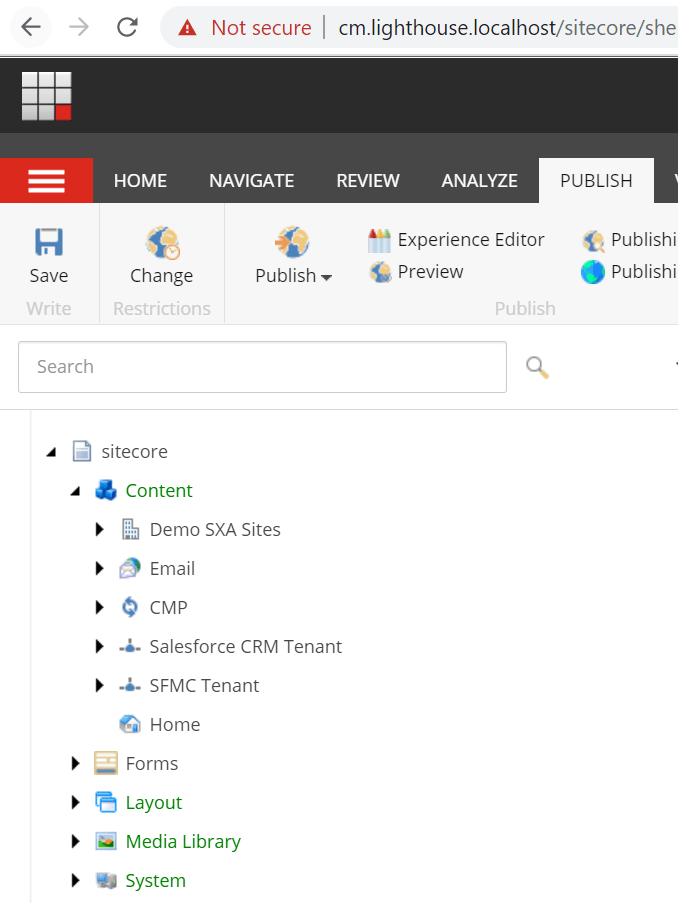
4. The commands ran without any error and once done, I browsed cm.lighthouse.localhost in browser and it was working!!
 Sitecore Notes